

Looking for the latest macOS 12 Wallpapers? I have all the new desktop pictures & backgrounds available for download!
The default macOS wallpaper folder location is /System/Library/Desktop Pictures
Click on any of the different desktop pictures to download the new macOS 12 wallpapers that you like. All you need to do is move them from your downloads folder to /System/Library/Desktop Pictures. Open up System Preferences > Desktop & Screensavers now you can select your new macOS 12 Desktop Picture!
macOS Monterey Dark Mode Wallpaper – NOTE Only one version of the wallpaper is available for download right now.
Light Mode Background Wallpaper

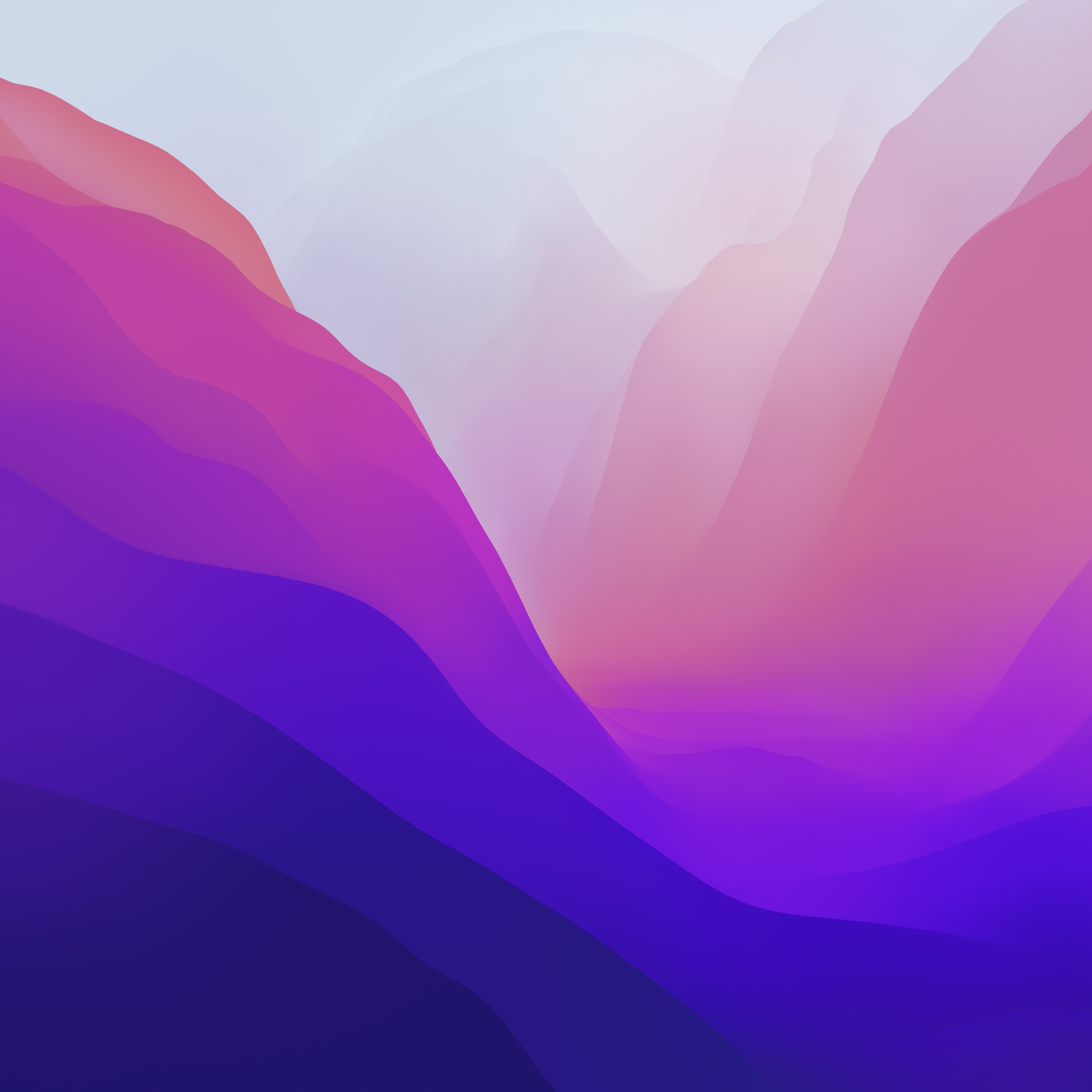
Dark Mode Background Wallpaper


If you would like the full macOS Monterey desktop dynamic wallpaper in heic format, download the link below.
Download Full heic File below: 6016 x 6016 for Mac Desktop 5K, iPhone or iPad

Download New macOS 12 Desktop Pictures & Wallpaper